
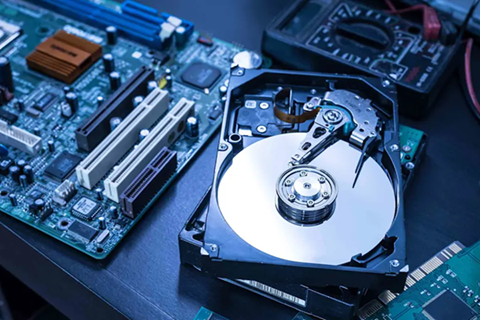
Many people use hard disks to store large amounts of data, including files, photos, videos, and even personal documents, but the problem is that they are not indestructible as you would expect. If anything happens to your hard disk and you don’t have a backup ready, you will end up losing your files.
In this case, you can use a hard disk data recovery tool to retrieve your lost files, but most people think about it only after something goes wrong, not before it. With a few simple habits, you can extend the life of your external drive and avoid data loss, and we have covered those things in the lines below.
Protect Your External Hard Disk From Physical Damage
External hard drives are not very durable and even exposure to heat, dust, or water can damage them if you are not careful. But you can avoid this from happening by keeping it in a safe and clean place where no damaging elements can reach. To protect your hard disk from a power outage, use a surge protector so it doesn’t get affected.
Don’t Overload Your Drive
You may think filling your external hard disk is fine, but in reality, it slows it down and can also cause it to malfunction. This is why; you should get rid of unnecessary files and keep some space free on the device. By doing so, you can ensure it runs smoothly and lasts longer, like it should.
Be Gentle With USB Connections
Don’t yank the USB cable out of the port when plugging or unplugging it, as that can damage both the cable and the connector. Always eject the drive safely before unplugging it, and also, avoid using ports or cables with loose or broken ends.
Prevent Overheating
External hard disks can get hot during long usage, and that can damage the internal parts. Use the drive in a cool place and let airflow around it so it doesn’t get overheated and function normally as it is supposed to.
An external hard drive is a smart investment and can be used to store a large amount of important data with ease. By taking care of your disk and handling it gently, you can ensure it works fine and lasts longer.